The hard part of an anime Codex skin: readability
Anime art is the most demanding source material for an IDE background, and it's worth understanding why before you build one. Character illustrations are high-saturation and busy — bright hair, gradients, sparkles, detailed eyes. Your code, meanwhile, is small text that needs to stay legible for hours. Put raw artwork behind a code column and you get exactly the failure mode people complain about: syntax that disappears into a bright pink background.
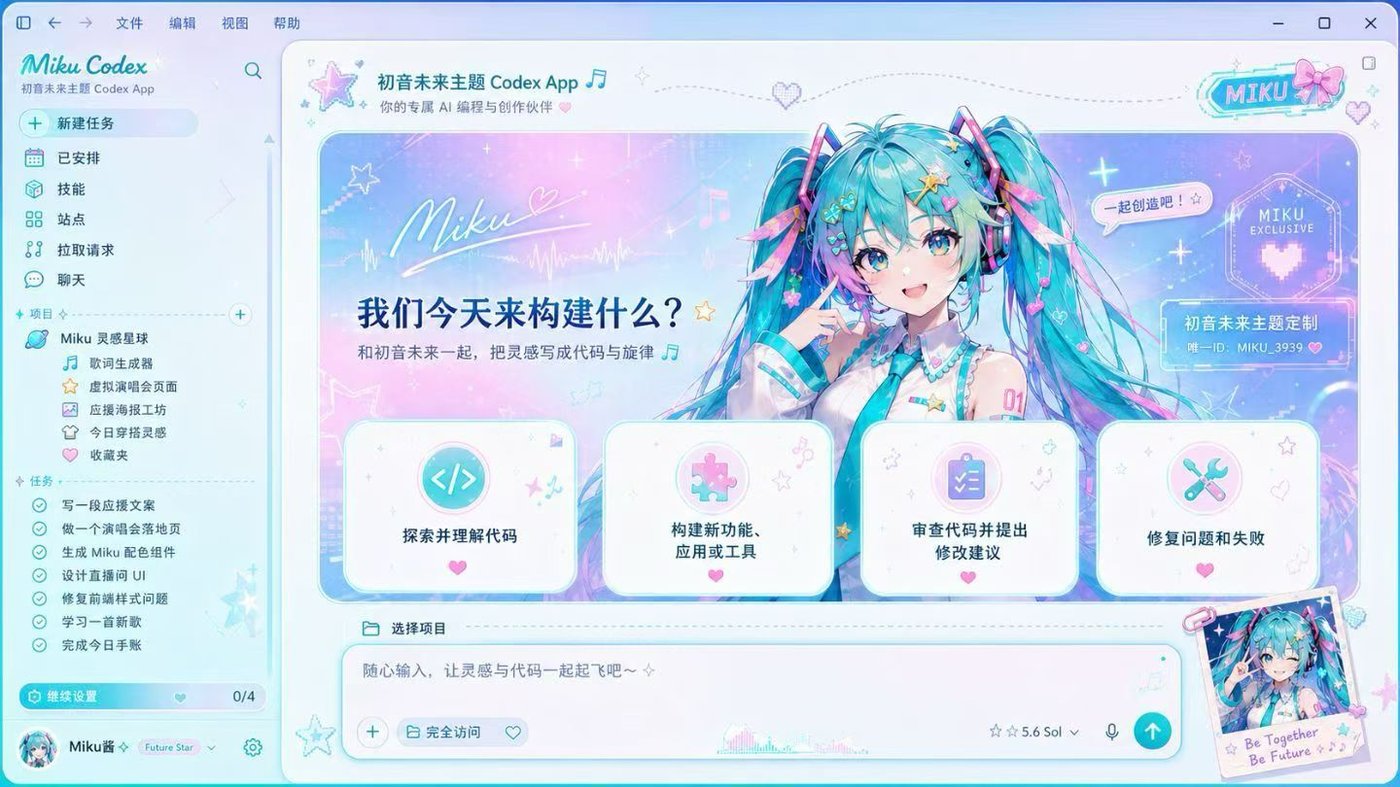
The fix isn't "use a darker image" — it's separating the art zone from the reading zone. On a real Codex layout the conversation and code live in a center-left column; the right third is where a character render can breathe. That's why our generator pushes your image toward the banner and the right edge, then lays a tunable scrim (background dim + panel opacity) over the reading area. You keep the character; the code keeps its contrast.
Reading-column rule of thumb
A practical target: text over your background should stay near the WCAG readable range — roughly a 4.5:1 contrast ratio for body text. You don't need to measure it; you need to place the busy art where text doesn't sit on top of it, and dim the rest. The generator's live Home / Task / Diff preview exists precisely so you can catch a low-contrast diff line before you export, not after you install.
Palette by character archetype
An anime codex skin looks intentional when the UI accent is pulled from the character, not chosen at random. A few patterns that consistently work:
Cool idols (teal / cyan hair)
Vocaloid-style teal reads beautifully as an accent on a near-black surface. Keep the surface deep and let the teal drive links, the active sidebar item and the send button.
Soft / pastel characters
Pinks and lavenders are low-contrast by nature. Pair them with a light surface, not dark — a pastel accent on black looks muddy, on off-white it looks clean.
High-drama (red / crimson)
Red is aggressive and clashes with the default red "diff removed" color. Retune diff-removed to a muted rose so error lines don't fight your accent.
Match your art style to a surface
Flat cel-shaded art (most anime) sits well on solid dark or light surfaces. Painterly / watercolor renders have their own gradients, so a plainer surface stops the background from competing with itself. Screencap-style images (a still from an episode) are usually too busy edge-to-edge — crop to a portion with negative space, or expect to dim heavily.
Before you use a character: the IP reality
This matters and most tools stay vague about it, so we won't. Hatsune Miku, your favorite anime character and recognizable fan art are all someone's intellectual property. For a private skin on your own machine, personal use is generally low-risk. But the moment you publish, share or sell a skin built on copyrighted character art, you're in licensing territory — and that's on you, not us.
Two things we do to keep you safe: your image is processed entirely in your browser and never uploaded, and we never bundle copyrighted character art in any paid pack. The gallery previews here are composition inspiration only. If you want something you can distribute freely, commission original art or use art you're licensed for — then the same generator produces a skin you fully own.
Anime skin vs anime theme — which do you actually want?
If you only want your editor tinted in a character's colors — teal accents, a soft pink surface — that's a codex theme: free, native, no install, and it can't get you into any IP trouble because there's no image. If you want the character visible in the window, that's a full codex skin. Many people start with a free themed palette and upgrade to the full skin once they've found their character's colors.
Anime Codex skin FAQ
My anime skin makes code hard to read — how do I fix it?
Increase the background dim and lower panel opacity so the reading column sits on a calmer surface, and re-crop so the busiest part of the art (face, hair) is on the right edge, away from where code renders. Check the live Diff preview — that's usually the first place low contrast shows up.
Can I legally use my favorite anime character?
For a private, personal skin on your own machine, it's low-risk. Publishing or selling a skin made from copyrighted character art is not something we can authorize — that requires a license from the rights holder. We never bundle copyrighted art, and your uploads stay in your browser.
What image works best for an anime skin?
A wide (landscape) render with the character off-center and some negative space on one side. Half-body or waist-up art beats a tightly-cropped face, because it leaves room for the code column.
Which accent color should I pick?
Pull it from the character — hair or eye color usually works. Cool tones (teal, blue, violet) suit dark surfaces; warm pastels suit light surfaces. The generator auto-suggests one, and you can override it.
Is it safe for my IDE?
Yes. It's a cosmetic layer injected locally over loopback — it never touches the Codex app bundle,
app.asar or code signature, and every pack includes one-click restore. Details in the
install & restore guide.
 anime
anime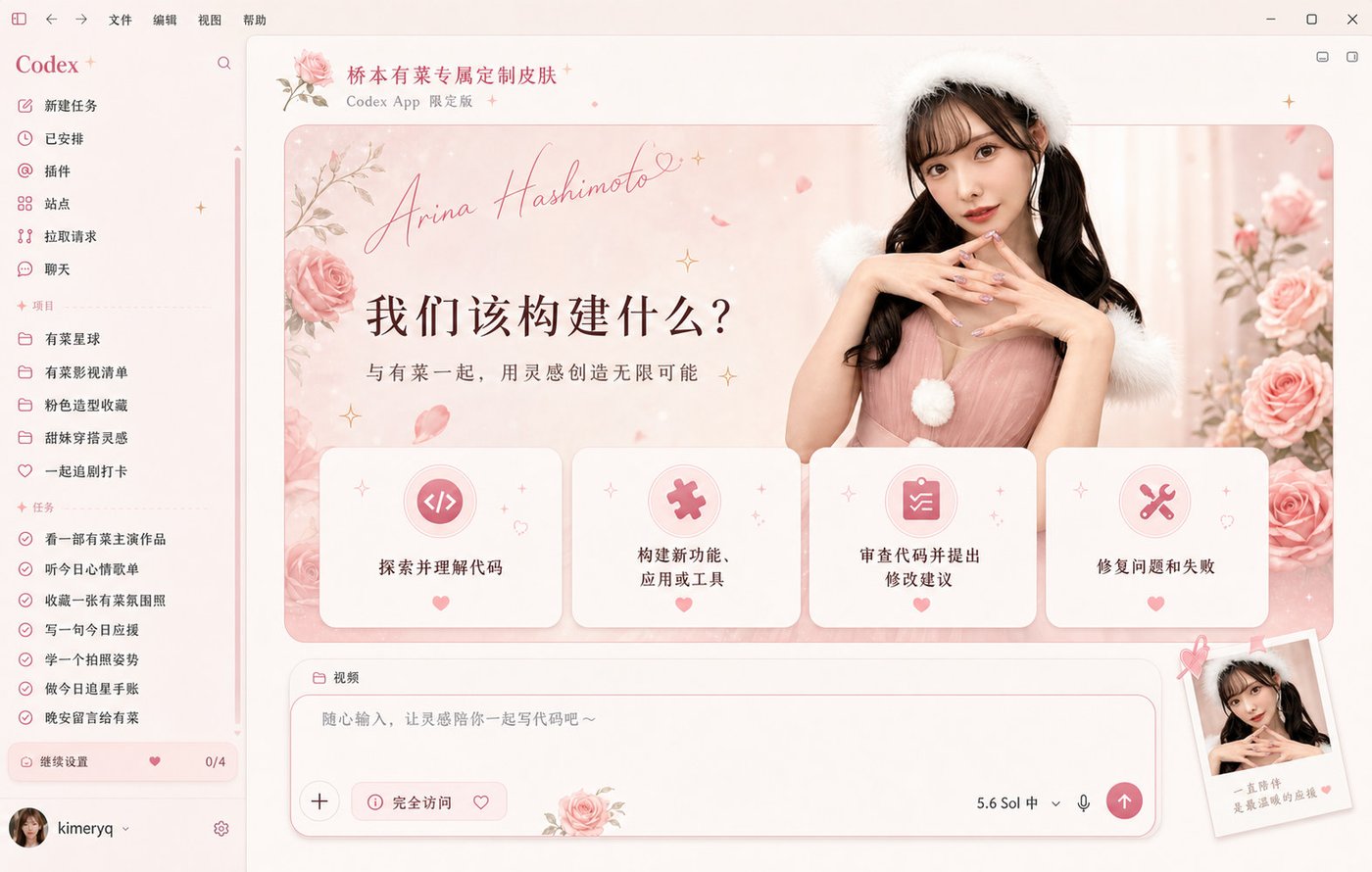 anime
anime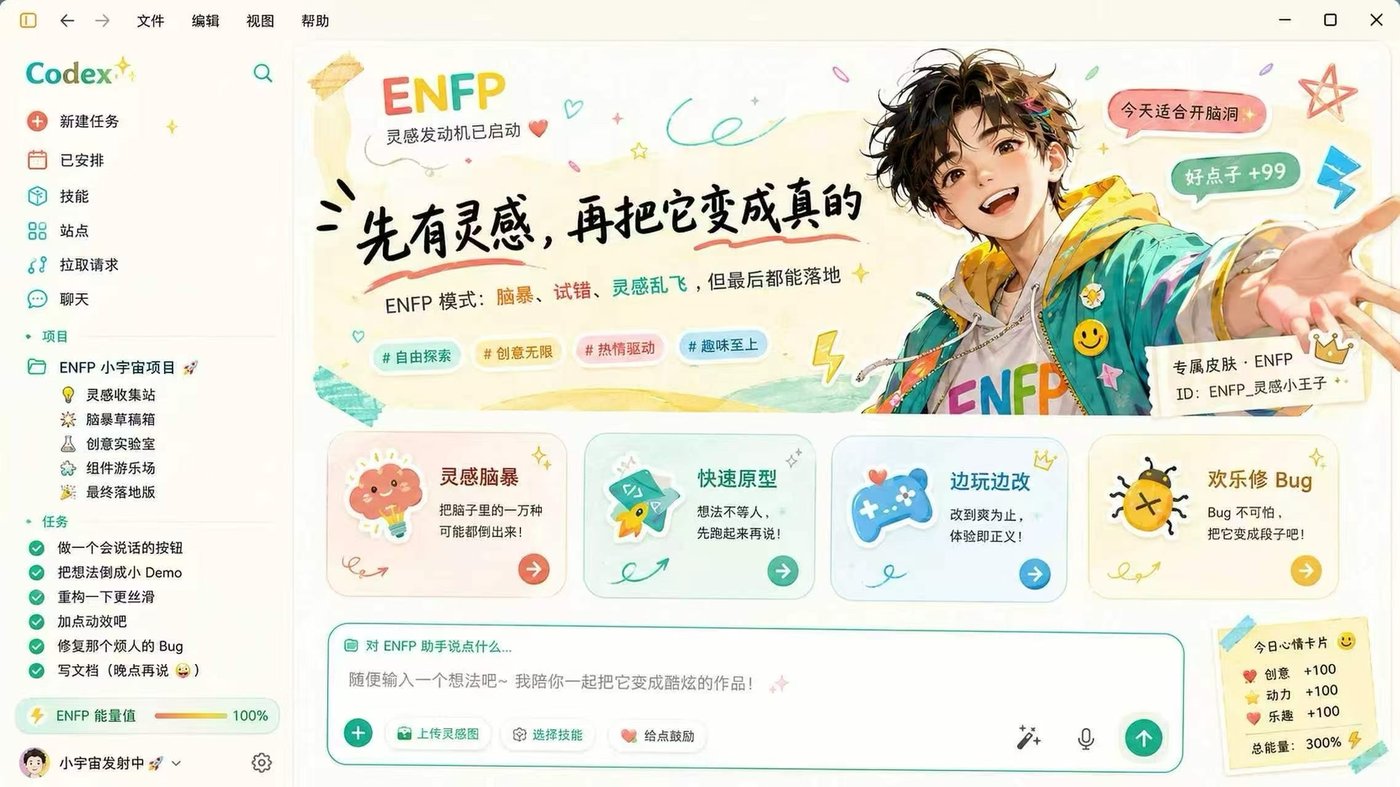 anime
anime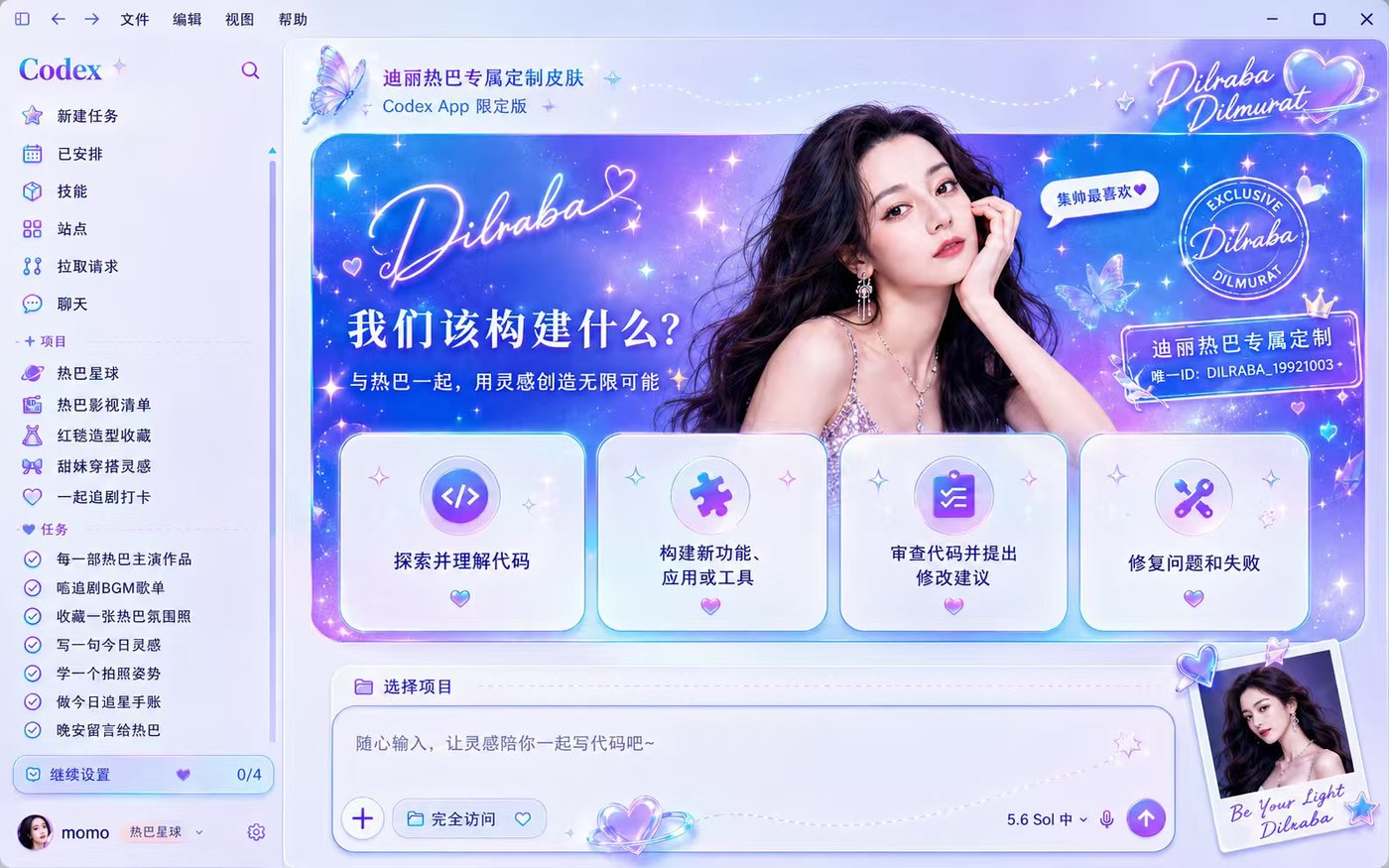 anime
anime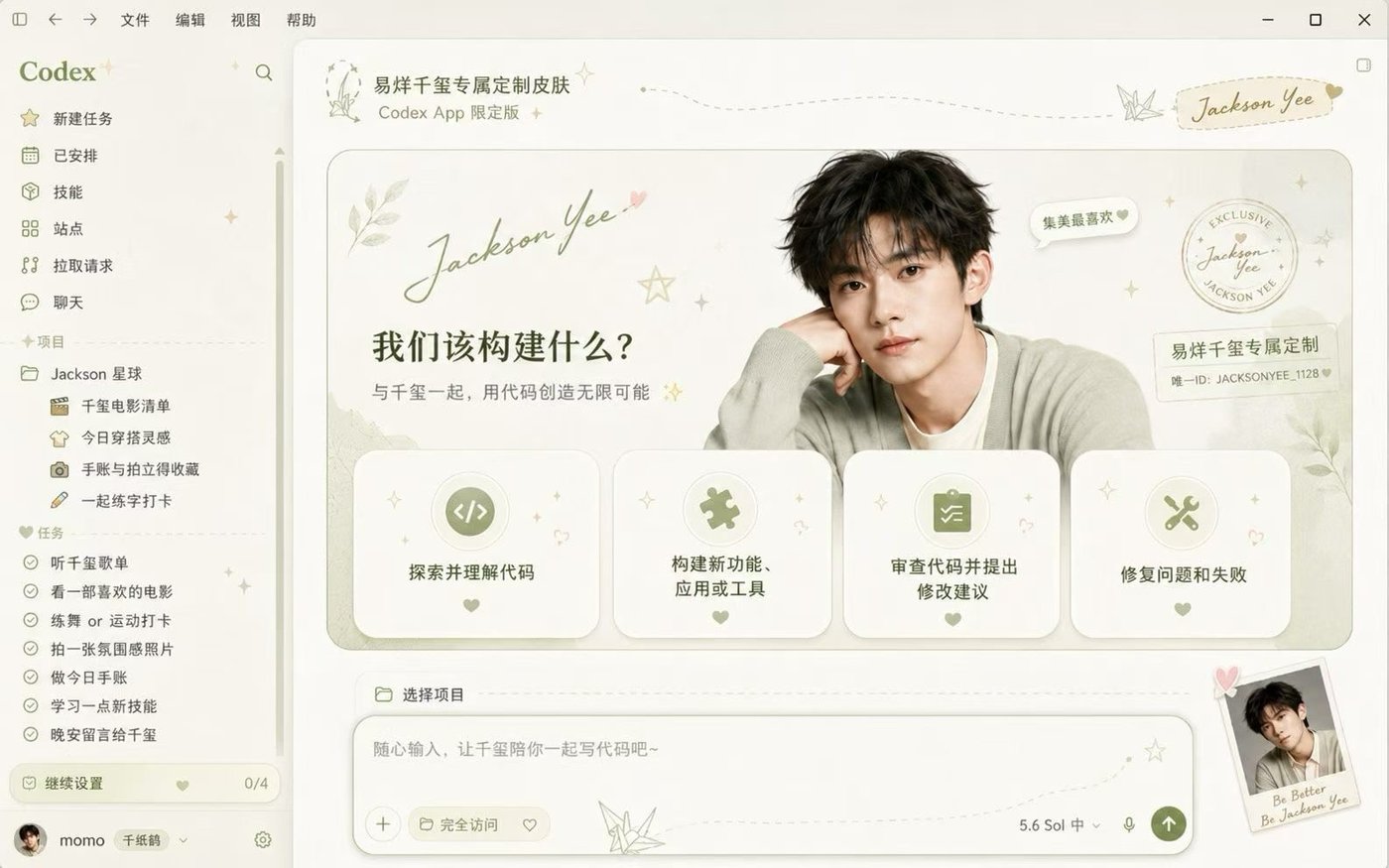 anime
anime anime
anime